the-kingdom-bank-logo

CARDS

A Flexible Way
to Manage Spending

The Kingdom Bank payment cards

Cards for Eligible Accounts
Manage Supported Payments

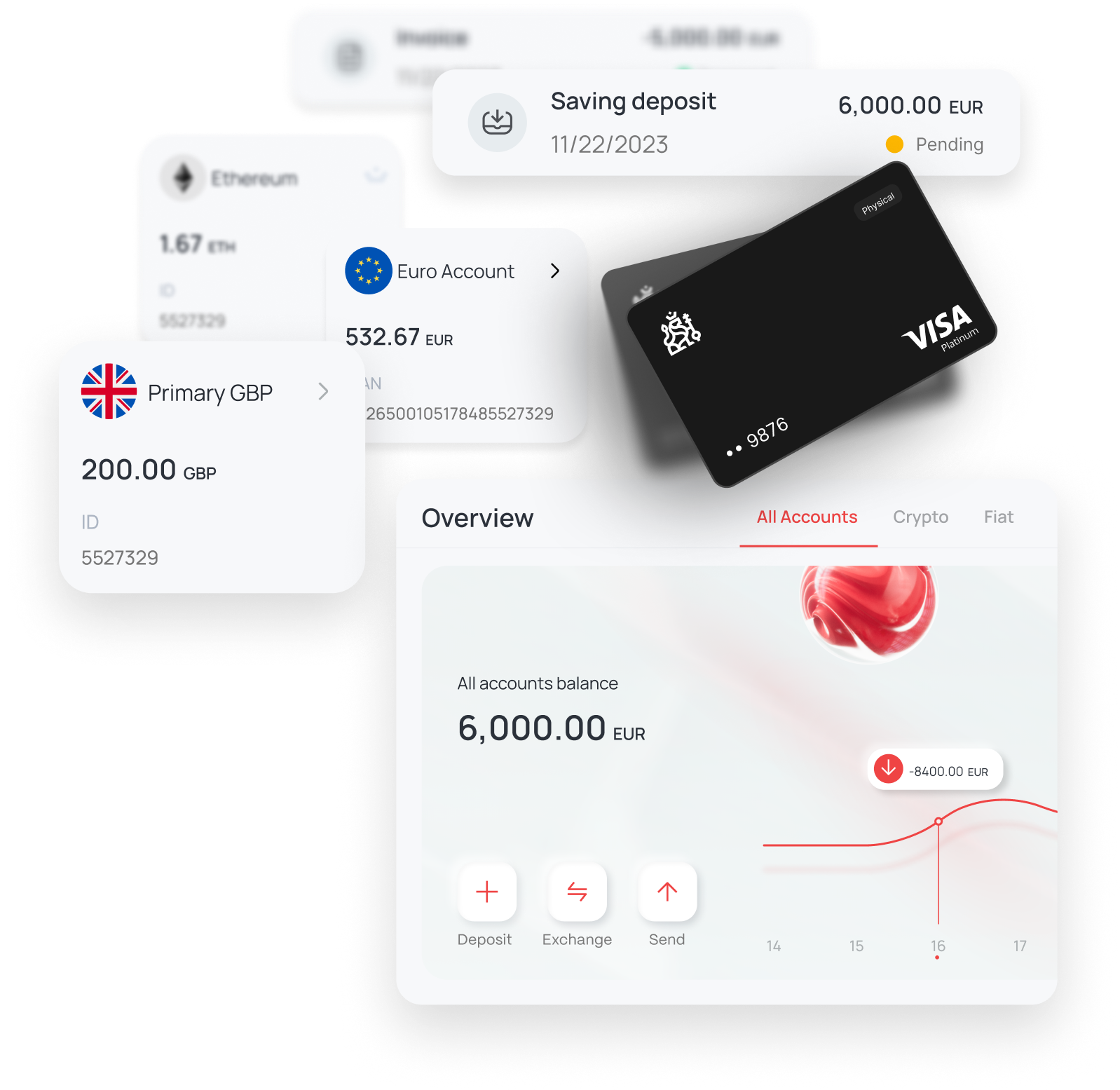
Eligible customers may use available virtual or physical cards for supported online, in-store, and travel-related payments. Card type, currencies, limits, fees, merchant acceptance, and availability depend on the account, jurisdiction, card programme, and applicable checks.

Spending Controls

Review available balances, transactions, and supported card controls through the account interface.

Supported Asset Conversion

Where available, convert supported balances before making an eligible card payment. Rates, spreads, fees, and limits apply.

Card-Network Access

Use an eligible card at supported merchants or cash machines, subject to acceptance, limits, fees, screening, and local restrictions.

Virtual Card

An eligible virtual card can support online or mobile-wallet payments. Availability and supported wallet or merchant use depend on the programme and jurisdiction.

Virtual card features
Physical card features

Physical Card

An eligible physical card can support in-store, online, and cash-machine transactions where accepted, subject to applicable limits and fees.

Use an Eligible Card for
Personal or Business Expenses

Expense managementView supported everyday or business card expenses.
Card payment methodsPay online or at supported contactless and card terminals.
Cash-machine withdrawalsRequest cash withdrawals at supported cash machines, subject to limits and fees.
Business and travel expensesUse the card for eligible travel, office, utility, or subscription expenses.
Business marketing expensesPay eligible business, advertising, and event expenses where the card is accepted.
Card account controlsView transactions and use available limit, PIN, and security controls in online banking or the mobile app.
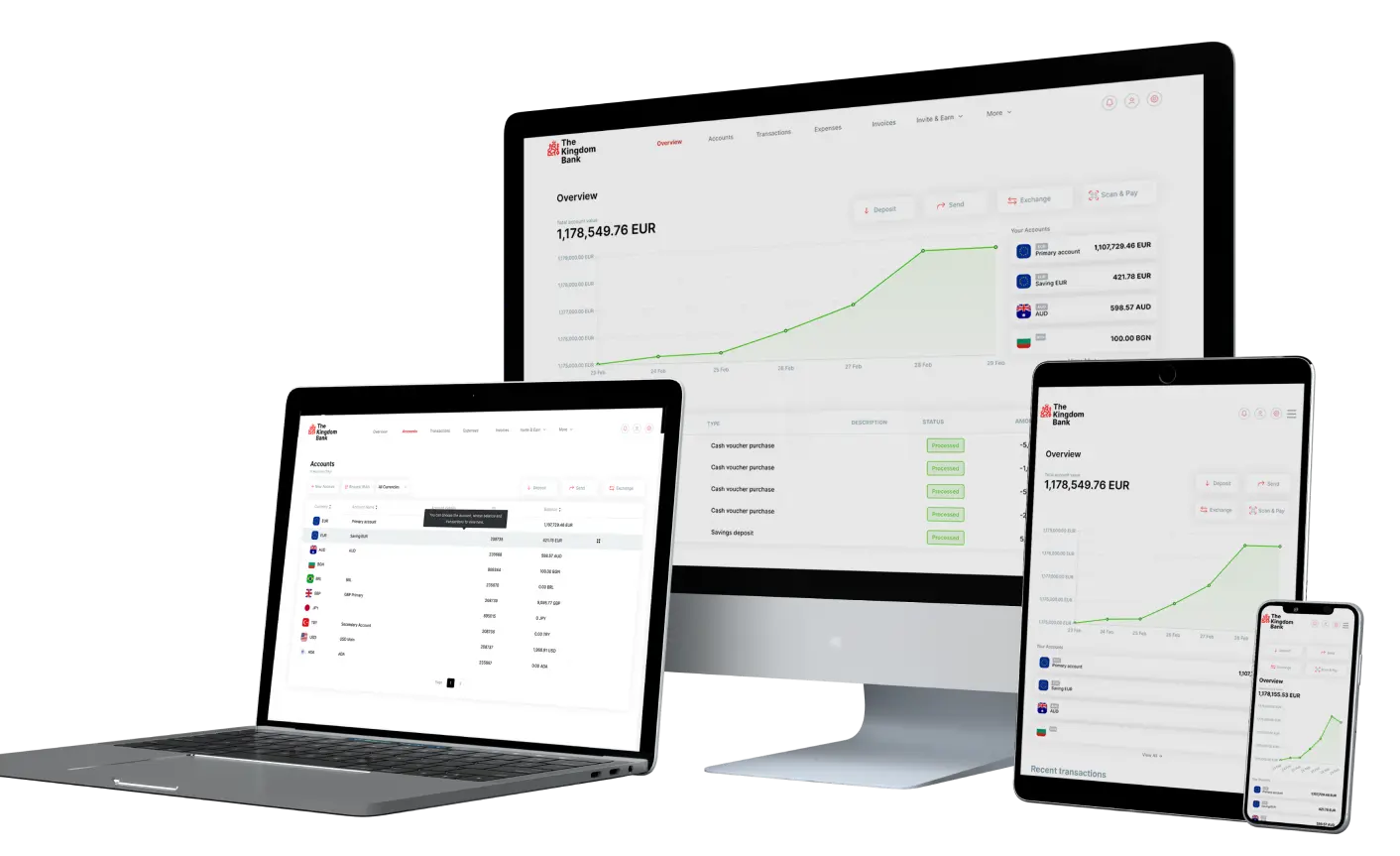
Mobile card-management interface

In 3 Steps
How to Request a Card

1. Sign in, open Cards, and select the available card-order option.

Open the card-order section
Select an available card type

2. Select an available card type and review eligibility, fees, limits, and delivery conditions.

3. Review the details and submit the request. Issuance remains subject to approval.

Review and submit a card request

Use Supported Balances With an Eligible Card

Where available, convert supported balances into an eligible spending currency. Available assets, rates, spreads, fees, limits, and merchant acceptance can change.

Card with examples of supported currencies

What type of card is offered?

What is the difference between a virtual and physical card?

Can I have virtual and physical cards for the same account?

Can I withdraw cash using a virtual card?

Can I use a physical card for online shopping?

Can a virtual card be used for recurring payments?

Can cards be used for business expenses?

Can a card be used for international purchases?

Can I set card spending limits?

Can I transfer money with a card?

How can I manage my card PIN?