
Scan & Pay
Make supported QR payments or transfers to merchants and friends through The Kingdom Bank.
OPEN ACCOUNT NOW →How it works
The Kingdom Bank
Scan & Pay
1Select Scan & Pay in
Select Scan & Pay in
The Kingdom Bank app
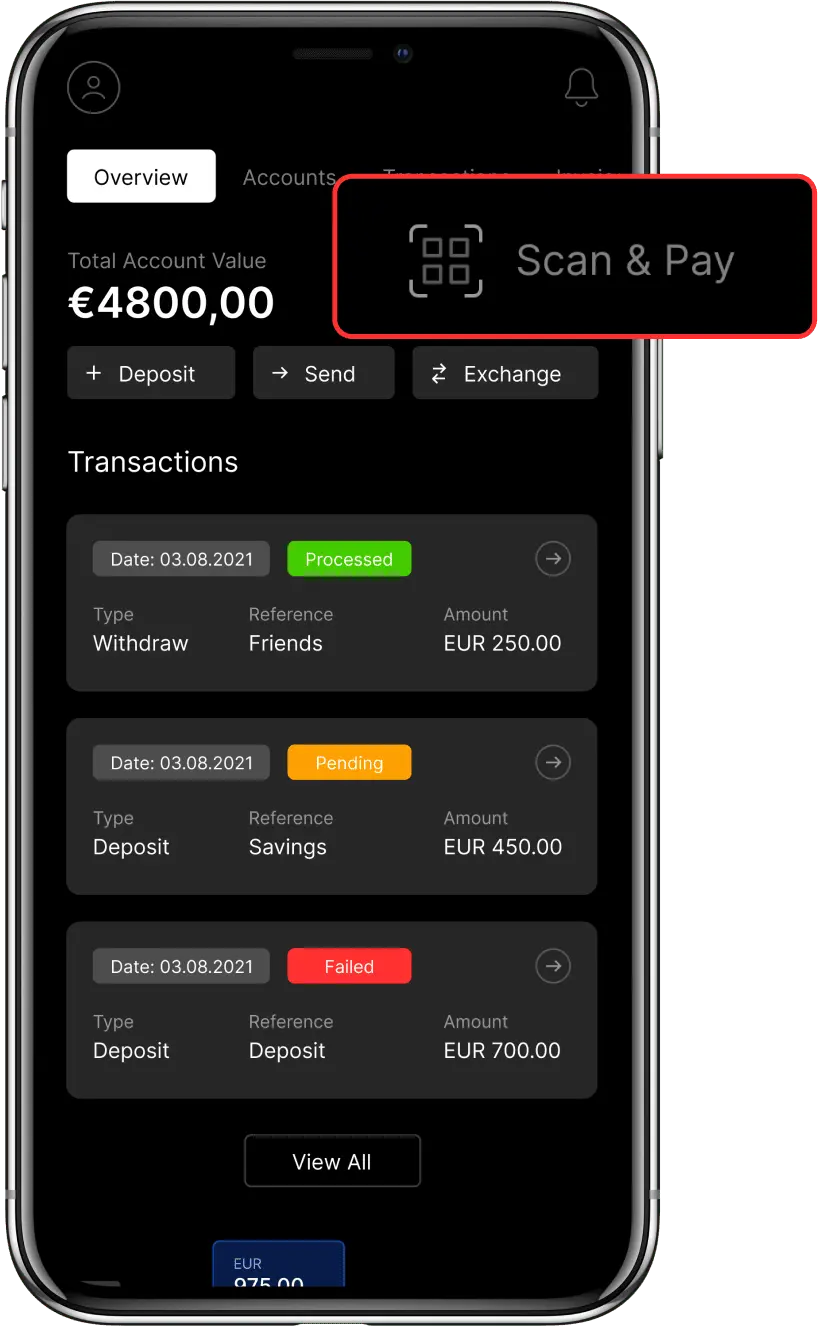
2
Scan the QR code
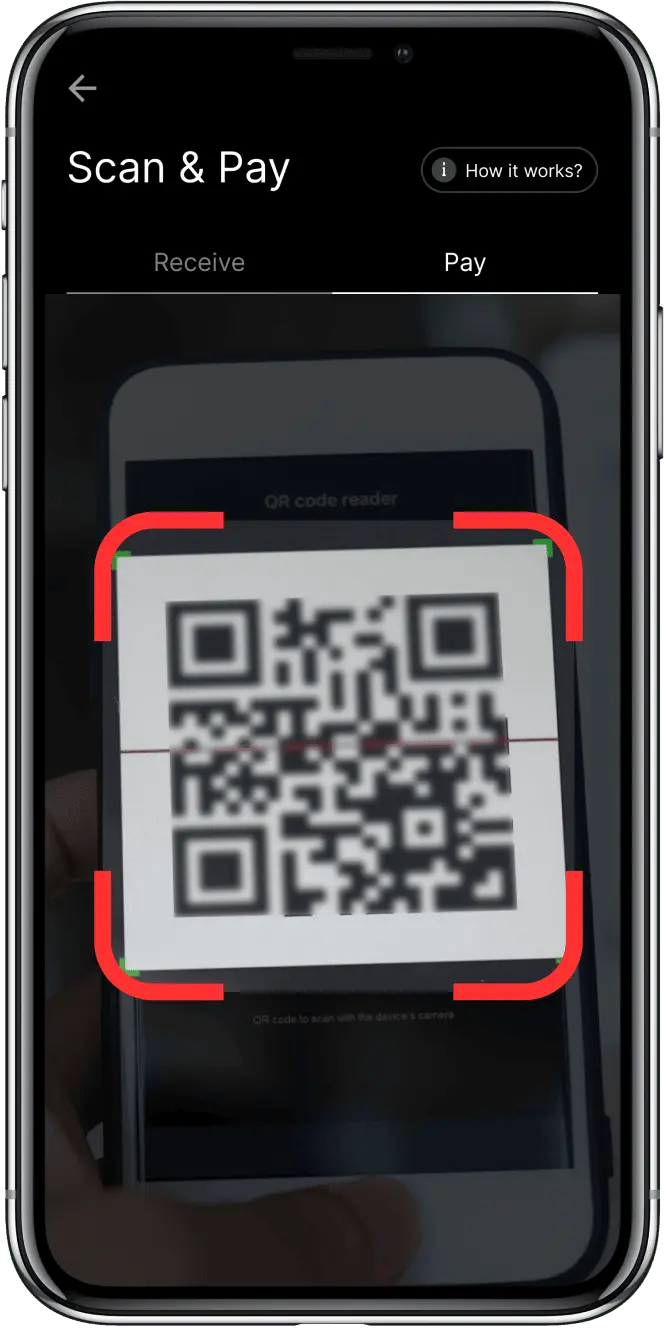
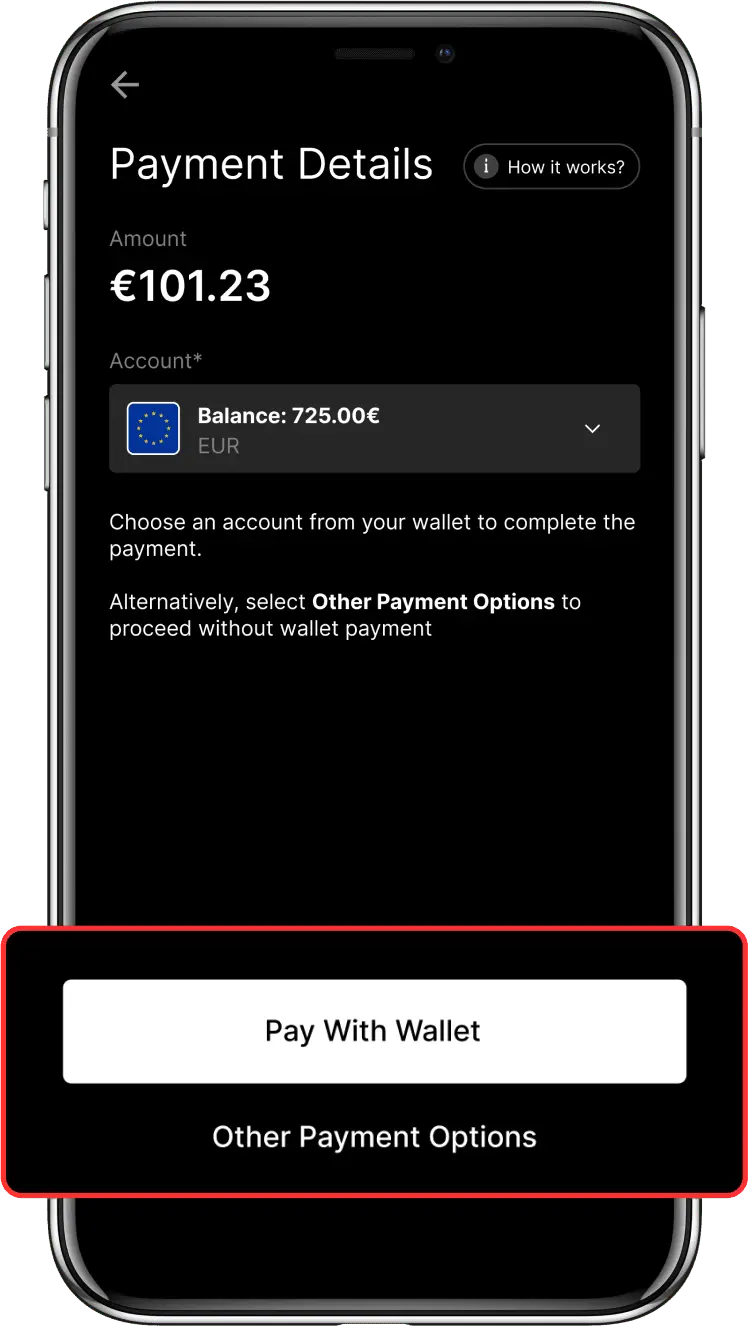
3Approve and complete
Approve and complete
the payment
No need for cash.
Quick and contactless.
Use Scan & Pay for supported in-store or online transactions by scanning a QR code and confirming the payment details.
EXPLORE NOW →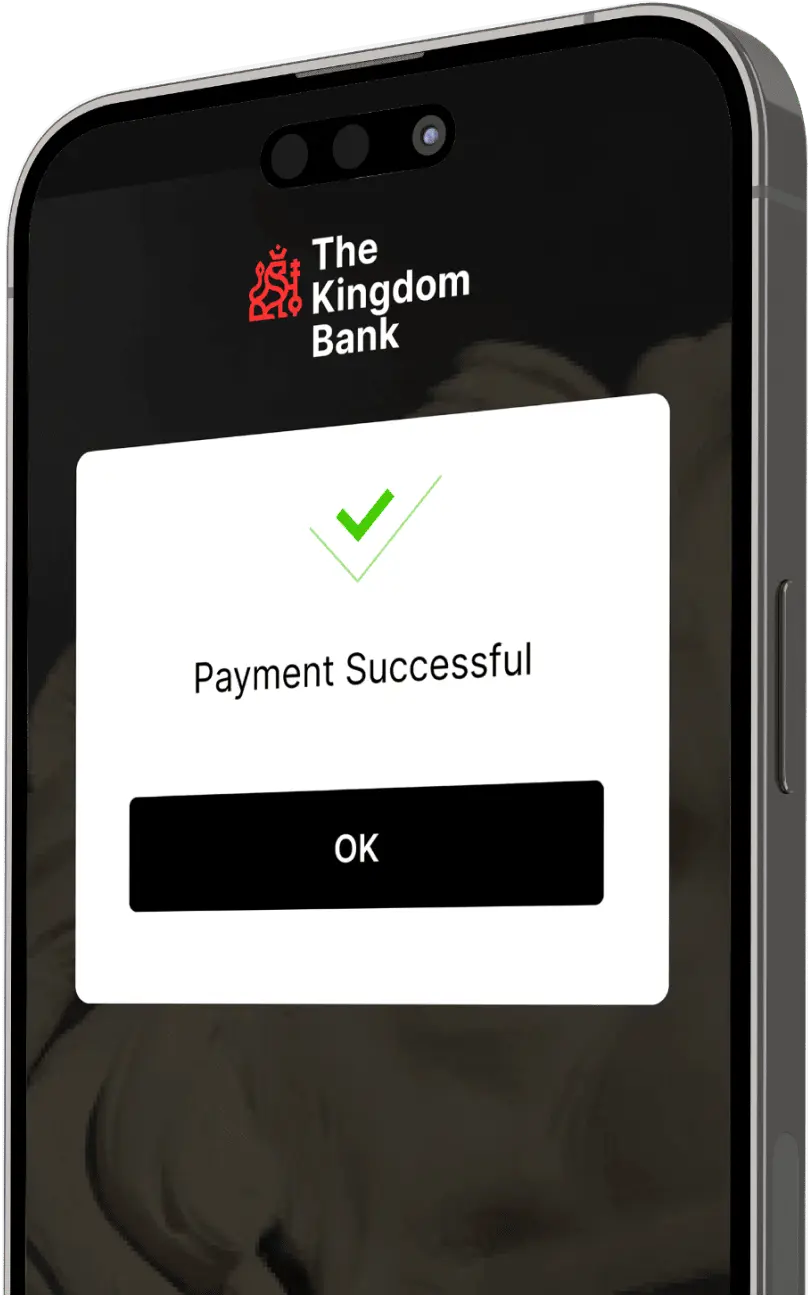
Meet our feature
The Kingdom Bank Scan & Pay
A QR Payment Method for Customers
Use a smartphone and The Kingdom Bank app to create or scan QR codes for supported payments.
Cashless Payments
Make supported payments without handling physical cash. Applicable charges are shown as part of the transaction flow.
Convenient Merchant Payments
Scan & Pay gives customers and merchants a contactless option for eligible payments.
Multiple Supported Currencies
Make eligible payments using supported fiat and digital currencies, subject to account and service availability.
Contactless Payments
Complete an eligible payment by scanning a QR code and confirming the transaction on your device.
QR Transfers Without POS Hardware
Create QR codes using a smartphone and The Kingdom Bank app without dedicated point-of-sale hardware.
Fast Integration
Easy Setup
Personalize your checkout experience using our Merchant API.
READ OUR API DOCUMENTATION
What is Scan & Pay?
How does Scan & Pay work?
How can I use The Kingdom Bank's Scan & Pay feature?
What transactions can be conducted with a QR code?
Are multiple currencies supported in Scan & Pay?
What is the benefit of using Scan & Pay at checkout?
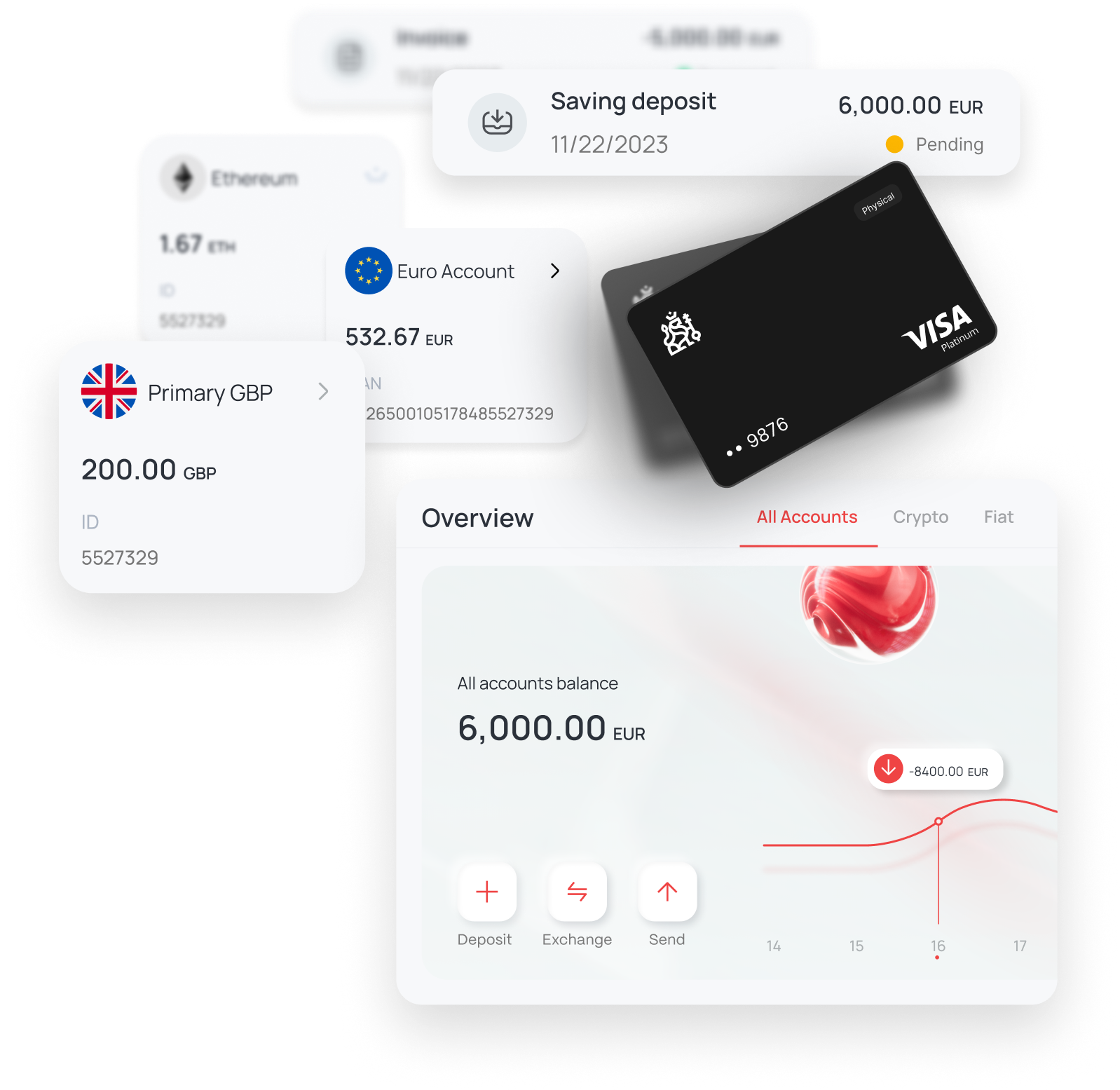
Discover The Kingdom Bank Online Portal
Take a guided tour and explore how to manage accounts, payments, cards, and more.
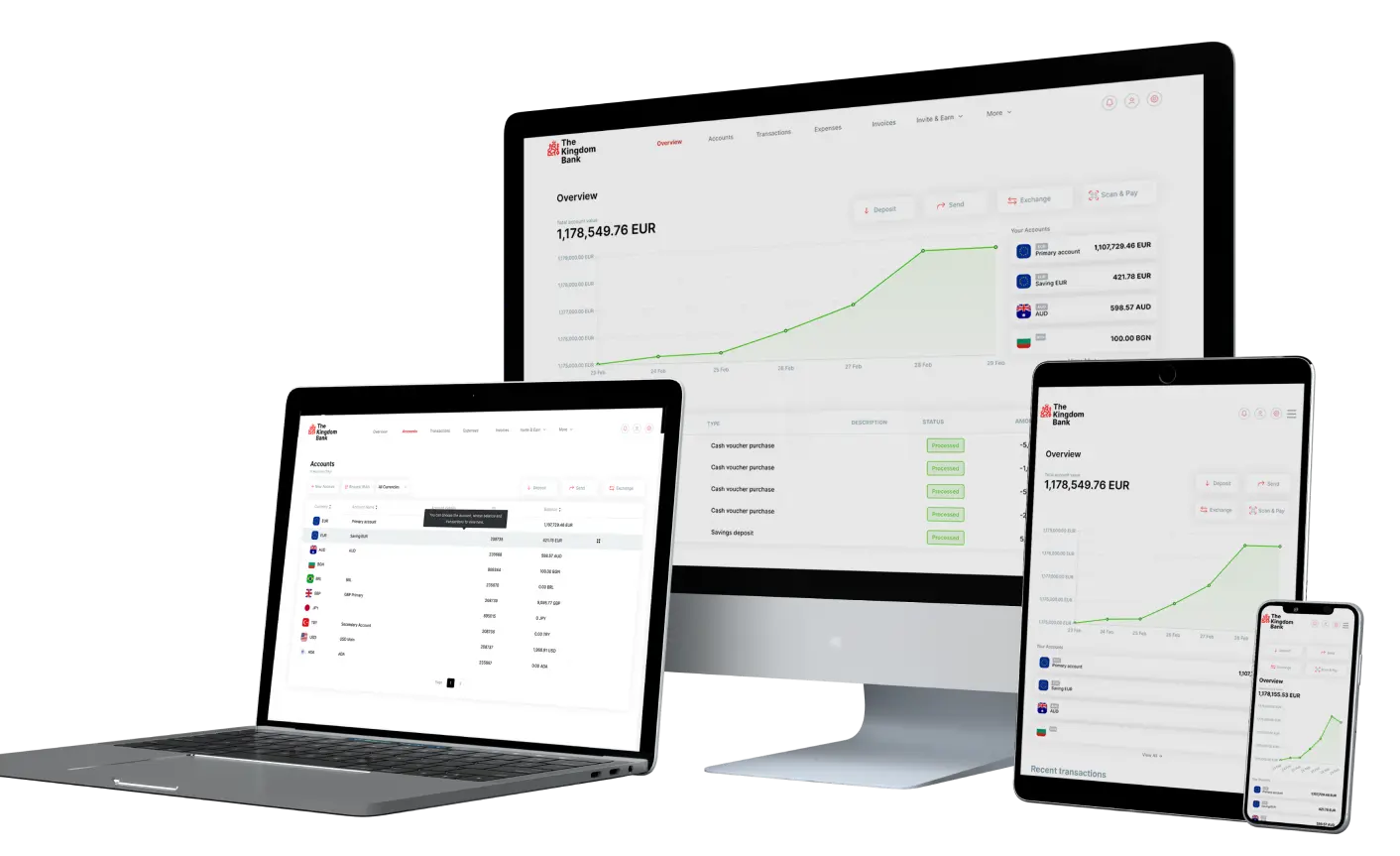
Start Tour →Anytime, Anywhere on Any Device
Join The Kingdom Bank’s community to stay connected and manage your finances easily from any device, anytime, anywhere.





Official Banking Partner of
West Ham United

Experience our award-winning bank!

Crypto Expo Dubai
BEST INTERNATIONAL FINTECH
BANKING AWARD 2021

forexdailyinfo.com
BEST CUSTOMER SUPPORT
BANK AWARD 2022
forexdailyinfo.com
CRYPTO FRIENDLY
BANK AWARD 2022
International Business Magazine
BEST DIGITAL BANKING
AWARD 2022
International Business Magazine
FASTEST GROWING DIGITAL
BANK AWARD 2023
Global Forex Awards
BEST B2B BANKING
SOLUTION AWARD 2023

Official Banking Partner of
West Ham United

HEAD OFFICE
First Floor, 43 Great George Street, Roseau, Commonwealth of Dominica
Post Code: 00109-8000
support@thekingdombank.com
Post Code: 00109-8000
support@thekingdombank.com
© 2026 The Kingdom Bank. All rights reserved.
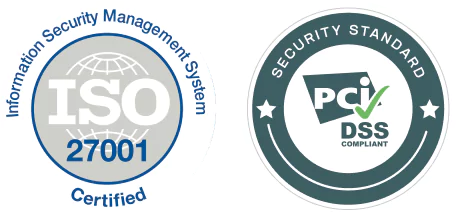
The Kingdom Bank Corporation is licensed and authorised by the Financial Services Unit, Ministry of Finance of the Commonwealth of Dominica, licensed as a banking institution under the International Banking Act, fully authorised to provide services to clients worldwide, under the prudential supervision of the Financial Services Unit. The Kingdom Bank Corporation is registered in the Commonwealth of Dominica, Company Number 3159, with its registered address on 1st Floor 43 Great George Street, Roseau, Commonwealth of Dominica, Post Code: 00109-8000. The Kingdom Bank Corporation is a member of Swift™, Swift Code: KICPDMD2 and LEI Code: 894500N4DISL2NEIR756. FATCA GIIN: UM162U.99999.SL.212. The Kingdom Bank is ISO 27001 certified. The Kingdom Bank Corporation is PCI DSS compliant.
The Kingdom operates through licensed entities in multiple jurisdictions to serve a global client base. Dubai World Trade Centre Authority (DWTCA) under License L-4806, Dubai World Trade Centre.